Skip to content

Flowset Studio

A free plugin for IntelliJ IDEA that combines the convenience of Camunda Modeler with the capabilities of a professional IDE. It provides deep integration of BPMN/DMN diagrams with application code, automates routine tasks, and supports working with Camunda 7, Operaton and Camunda-based forks. Now you can design processes and work on their implementation right away – without switching between tools.

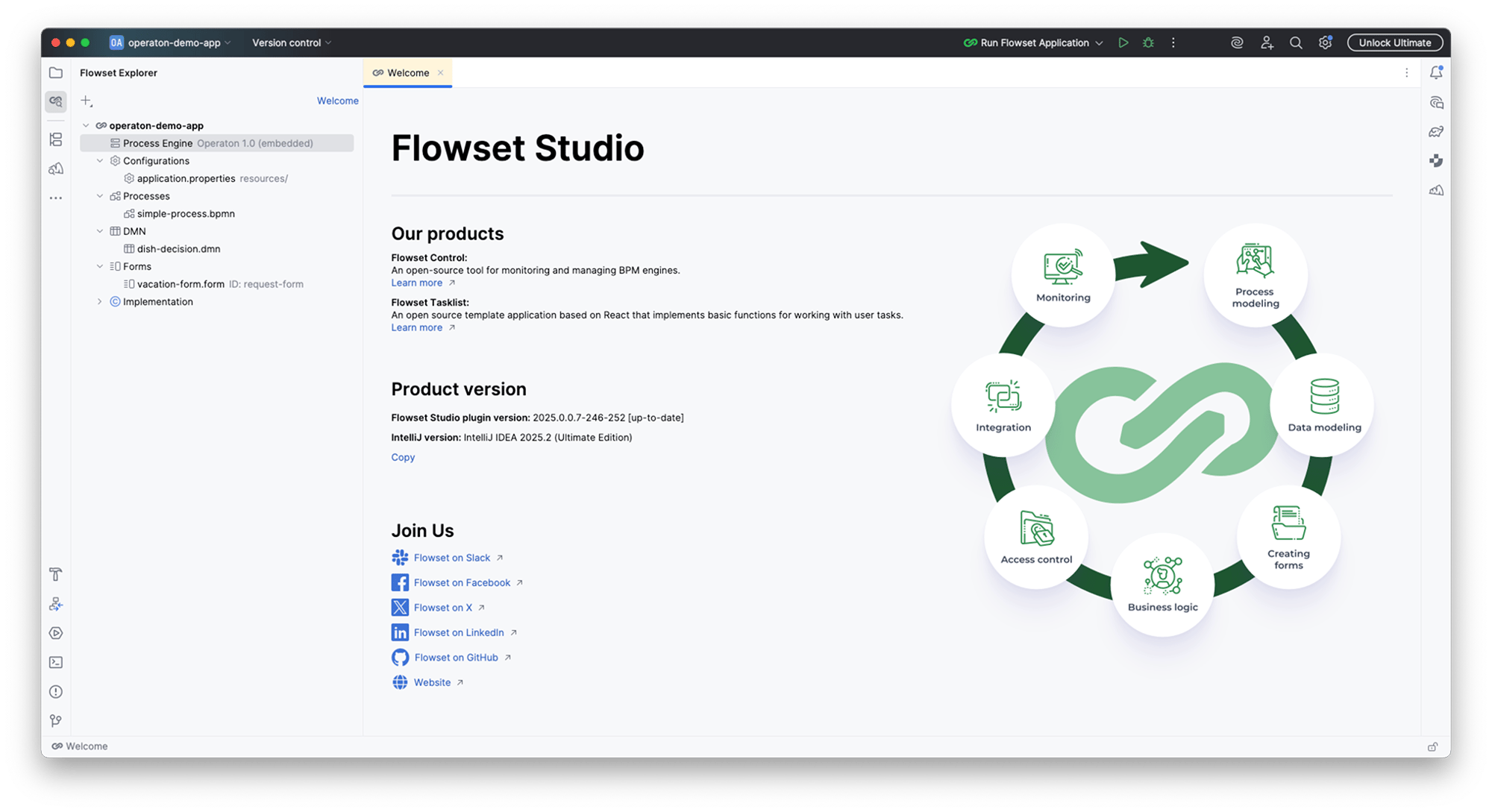
main-screen-1

Studio features

Built-in BPMN 2.0 Editor
bpmn-editor-screen-1-1
 
bpmn-editor-screen-2-1
bpmn-editor-screen-3-1
Application Navigation
navigation-screen-1-1
 
navigation-screen-2-1
Support of embedded and standalone engine instances
engine-screen-1-1
 
engine-screen-2-1
engine-screen-3-1
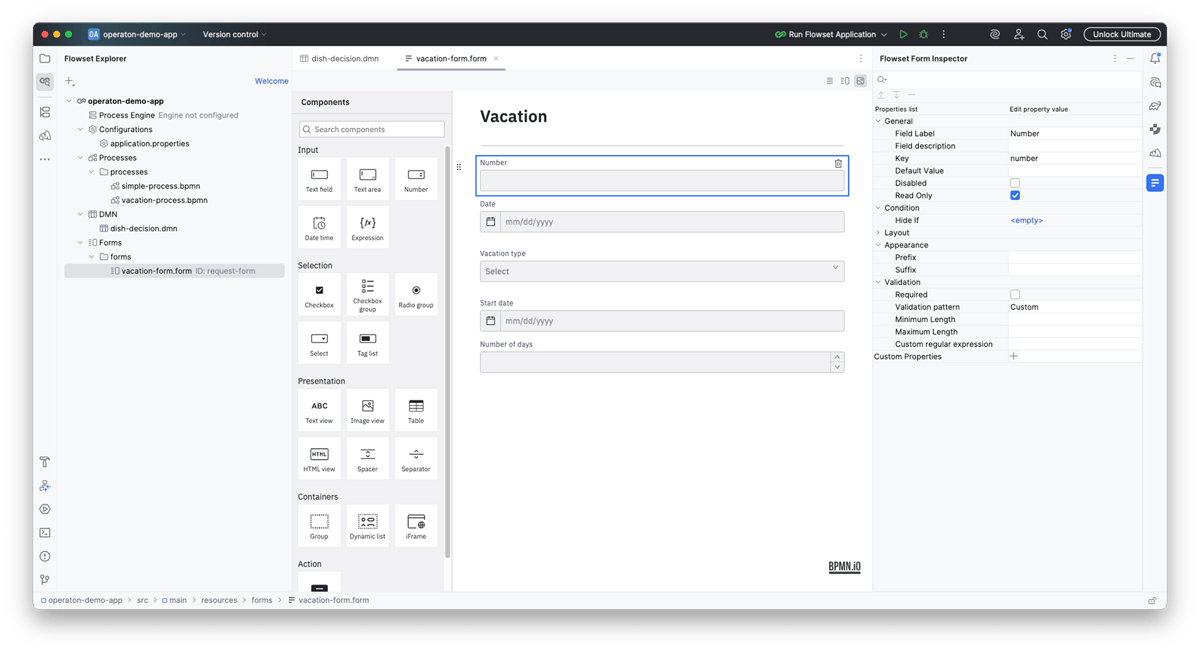
Designers for BPMN diagrams, DMN tables, and forms
editor-screen-1
editor-screen-2
editor-screen-3
Support of Camunda 7 and its forks
work-screen-1
work-screen-2

Flowset Studio vs. Camunda Modeler

Camunda Modeler

16 /month

Flowset Studio

8 /month

Flowset Studio Enterprise

coming soon

8 /month

Camunda Modeler

Flowset Studio

Flowset Studio Enterprise

Designers for BPMN diagrams, DMN tables, and forms
Properties panel for BPMN diagrams, DMN tables, and forms
Deployment of BPMN diagrams, DMN tables, and forms to a BPM engine
Work in IntelliJ IDEA
-
Code generation for BPMN diagram elements
-
Navigation from BPMN diagrams to related code
-
View the structure of the BPM application, including BPMN diagrams, DMN tables, and forms
-
Built-in project generator with a connected BPM engine

-
Advanced code generation
-
-
Advanced context-aware navigation
-
-
Business process validation
-
-
AI Assistant (coming soon)
-
-
Business process meta information
-
-
Camunda Cockpit
2 /ye
Billed Annually
Flowset Control
2 /ye
Billed Annually
Flowset Control Enterprise
(coming soon)
(coming soon)
2 /ye
Billed Annually
Camunda Modeler
2 /ye
Billed Annually
Flowset Studio
2 /ye
Billed Annually
Flowset Studio Enterprise
(coming soon)
(coming soon)
2 /ye
Billed Annually

Installation

Follow the installation instructions in the documentation.

Need help?

Get support in the Slack channel